
Everything you need to think with what you’ve collected.
Capture, organise, retrieve, synthesise and retain. Five stages in one product, and each stage feeds the next.
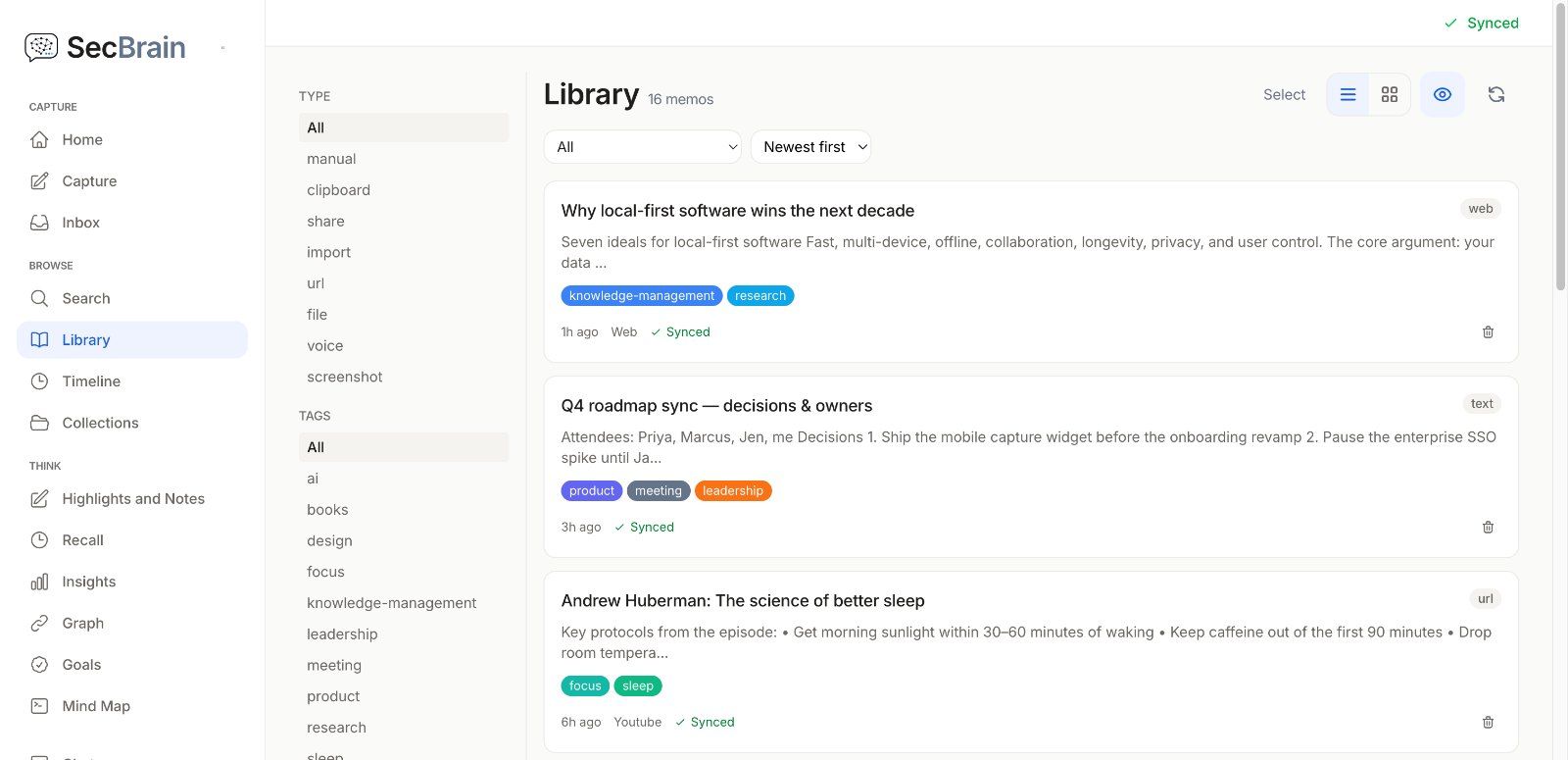
Catch the thought before it’s gone.
Save things from wherever you come across them. Articles get cleaned by a Cloudflare Worker using Mozilla’s Readability. PDFs are text-extracted with pdf.js on web and PDFKit on iOS. YouTube videos arrive with full transcripts via Supadata. Voice notes are transcribed by Apple’s speech recognition on iOS (which may process audio on Apple’s servers) and by the browser’s speech service on web. Screenshots are analysed by cloud AI through our server. Offline, captures save to your device and queue for sync.
- Web article capture (Chrome extension, one-click)
- iOS share sheet capture from any app
- Voice notes with automatic transcription
- YouTube videos with auto-transcript
- PDF text extraction (web + iOS)
- Screenshot capture with AI vision analysis
- Bounded offline queue (500 ops / 5 MB); captures save locally first
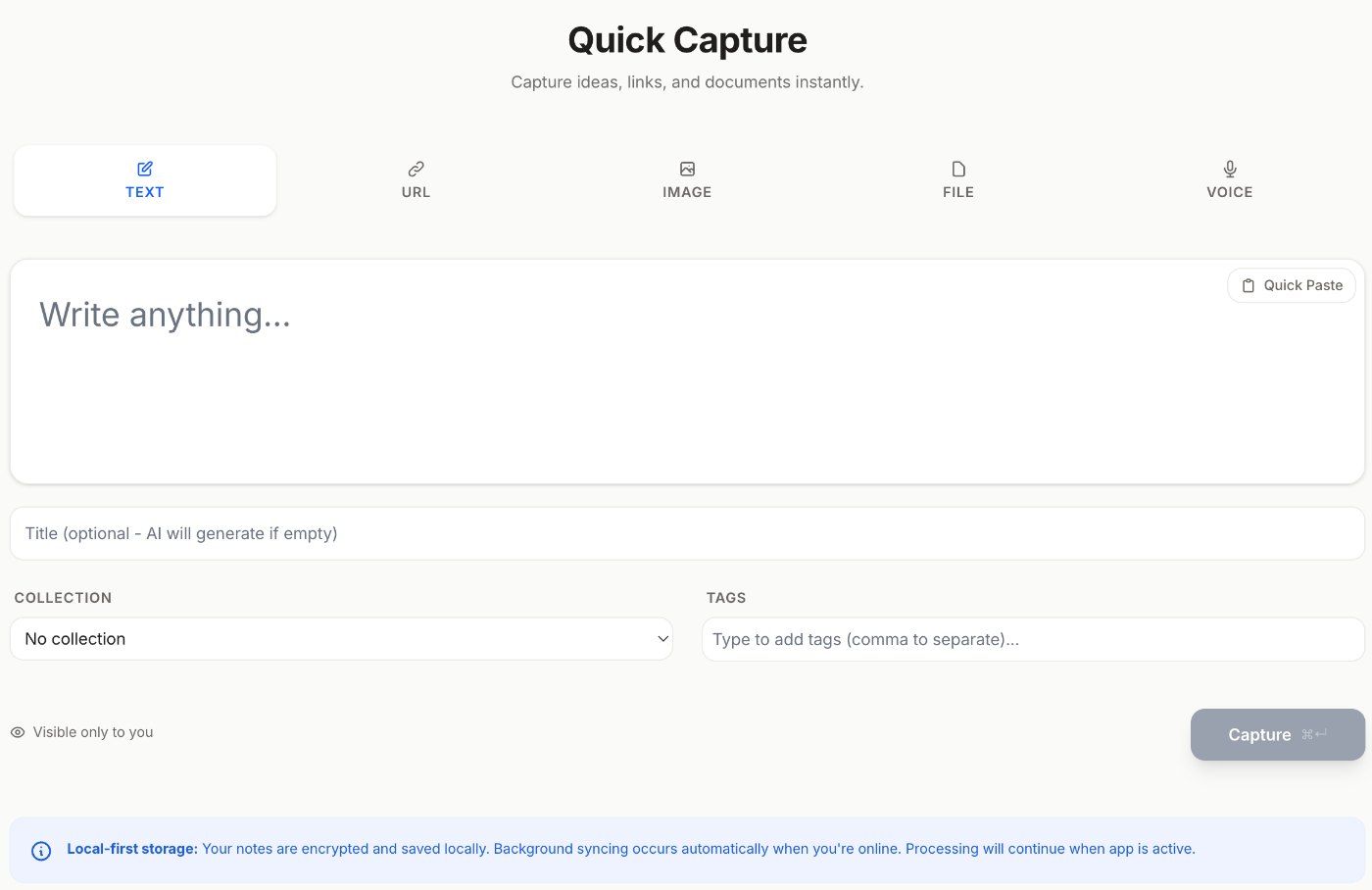
Structure that earns its keep.
Tags and collections for the notes you already know how to file. The knowledge graph (Max plan) for the ones you don’t. It has nine link types, including connections the AI suggests that you might not have spotted, drawn with Sigma.js so the graph stays readable as it grows. The editor is built on Tiptap, with slash commands, drag handles, wikilinks ([[...]]), callouts, and collapsible details blocks.
- Collections + flexible tag management
- Knowledge graph: 9 link types, AI-suggested
- Sigma.js WebGL renderer (handles thousands of nodes)
- Rich text editor with 6 custom Tiptap extensions
- Slash commands (Format / Block / AI)
- Wikilinks [[ ]] with title autocomplete
- Callouts and collapsible details blocks
- Drag handles for visual reordering
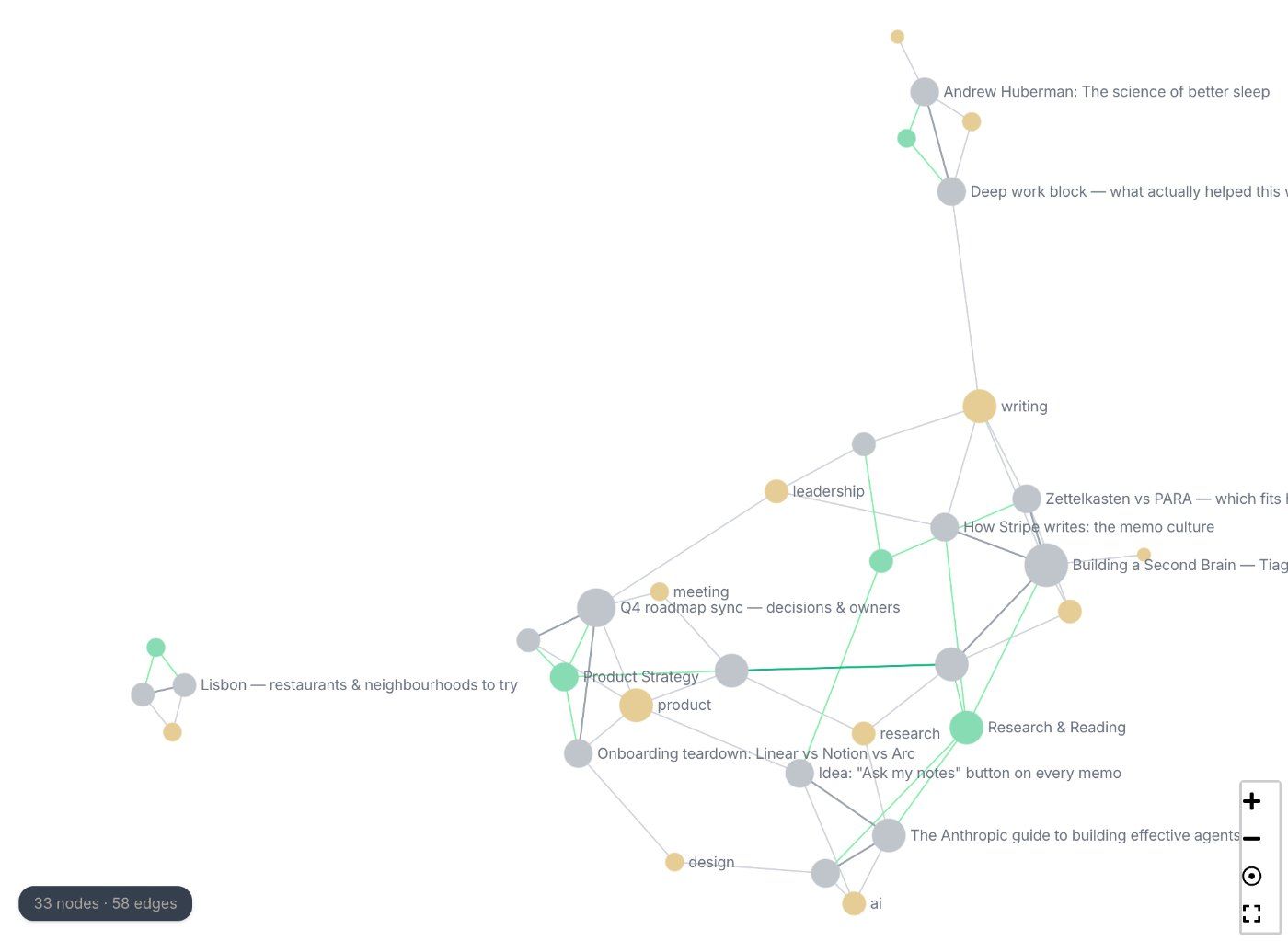
Find by word. Find by meaning. Find offline.
Two search engines, one query box. A local full-text index handles keyword search and works without a connection (SQLite FTS5 on iOS). Embeddings stored on your device in IndexedDB (web and desktop) power semantic search by meaning. A custom parser handles the title:, body: and tags: fields and NOT exclusions.
- Keyword search (fully offline)
- Semantic search by meaning
- Hybrid keyword + semantic ranking
- Search filters (title:, body:, tags:, NOT)
- Chat that answers from your library and cites the notes it used
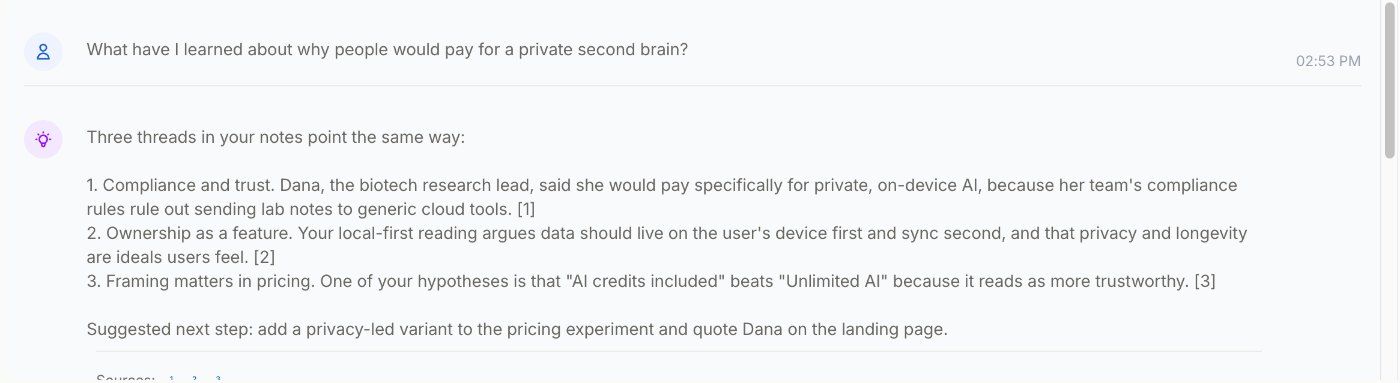
A weekly look at what you saved.
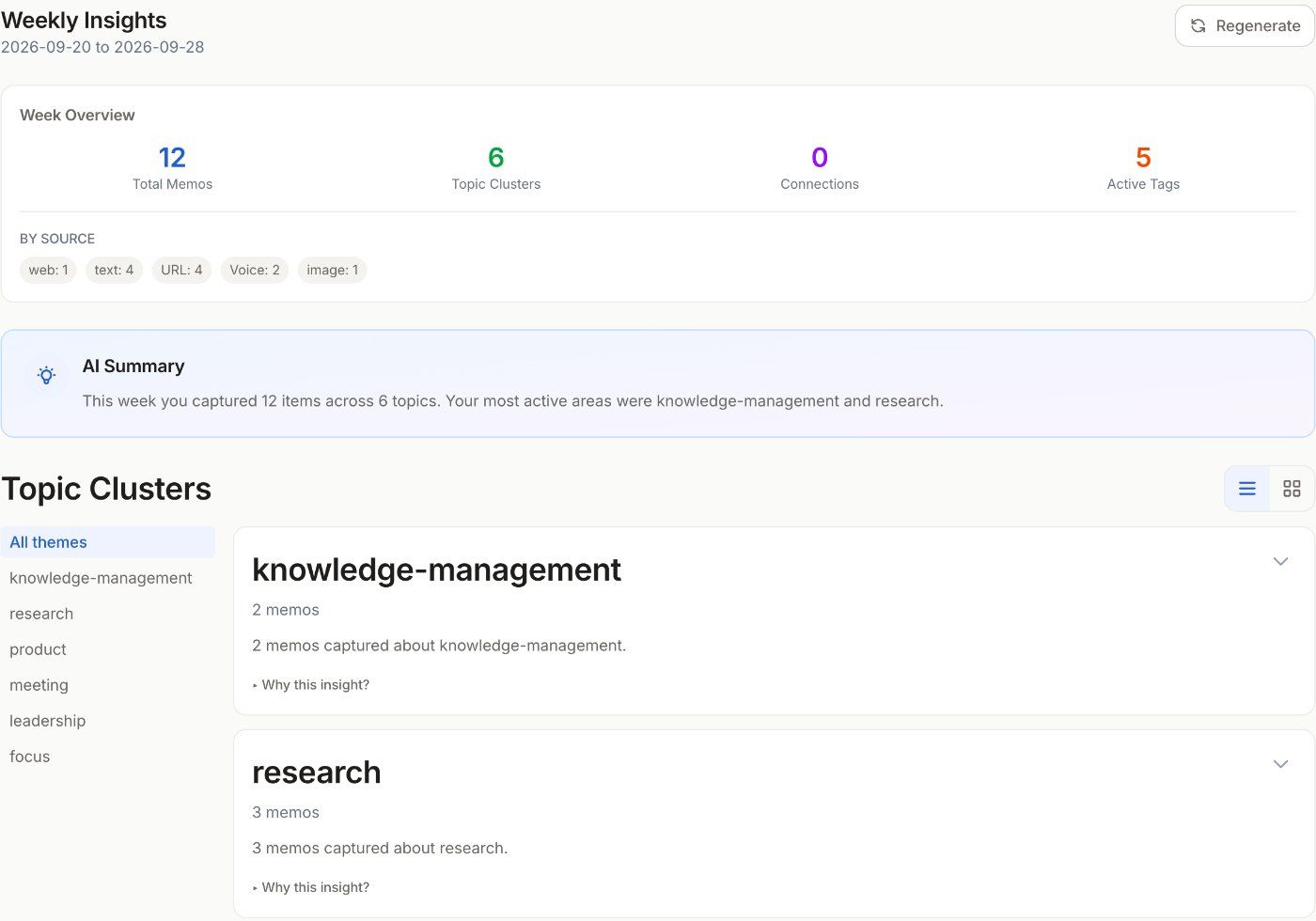
Open Insights and SecBrain looks across what you’ve captured in the past week. It groups memos by tag when there are enough tags, by meaning when there aren’t, keeps it to six groups at most so it stays readable, and names the themes and the connections you missed. Insights are cached for 24 hours. The AI runs in the cloud through our server, within your plan’s allowance.
- Weekly AI-generated insights (Pro and Max)
- Tag-first clustering (>30% tag coverage) → semantic fallback
- Min cluster size: 2. Max clusters: 6.
- Insight cache TTL: 24 hours
- AI link suggestions to review in the knowledge graph
- Cloud AI through our server (Claude, Gemini or ChatGPT), nothing to install
Spaced repetition that adapts to you.
SecBrain runs the SM-2 algorithm, the same one Anki uses, over your library. On web and desktop, every memo gets its own interval based on how easily you recalled it last time, and the daily review shows up to ten memos, due ones first; on iOS it shows five. Stop whenever you like; the schedule adapts. Activity statistics show you whether the notes are sticking.
- SM-2 spaced repetition (per-item intervals)
- Daily review queue (10 on web, 5 on iOS)
- Due memos first (web); random pick (iOS)
- Activity statistics dashboard
- Review streaks on web and desktop (no shaming)
What it runs on, and what it promises.
Real-time: changes push over HTTPS, other devices are notified over WebSocket. Server wins on conflict. Bounded offline queue (500 ops / 5 MB). Crash-safe: pending changes persist to IndexedDB and replay after restart.
Cloud AI runs from our server on SecBrain’s own provider accounts, so you never hand us an AI API key. Memo content sits in Postgres protected by provider-level encryption today; client-side memo encryption is under consideration (see Roadmap).
Web (PWA, IndexedDB), Desktop for macOS (Apple silicon) and Windows (x64) (Tauri v2 / Rust, same IndexedDB store as the web app), Chrome Extension (Manifest V3), native iOS in TestFlight beta (Swift 6 / SwiftUI / GRDB). Android is under consideration.